Introduction
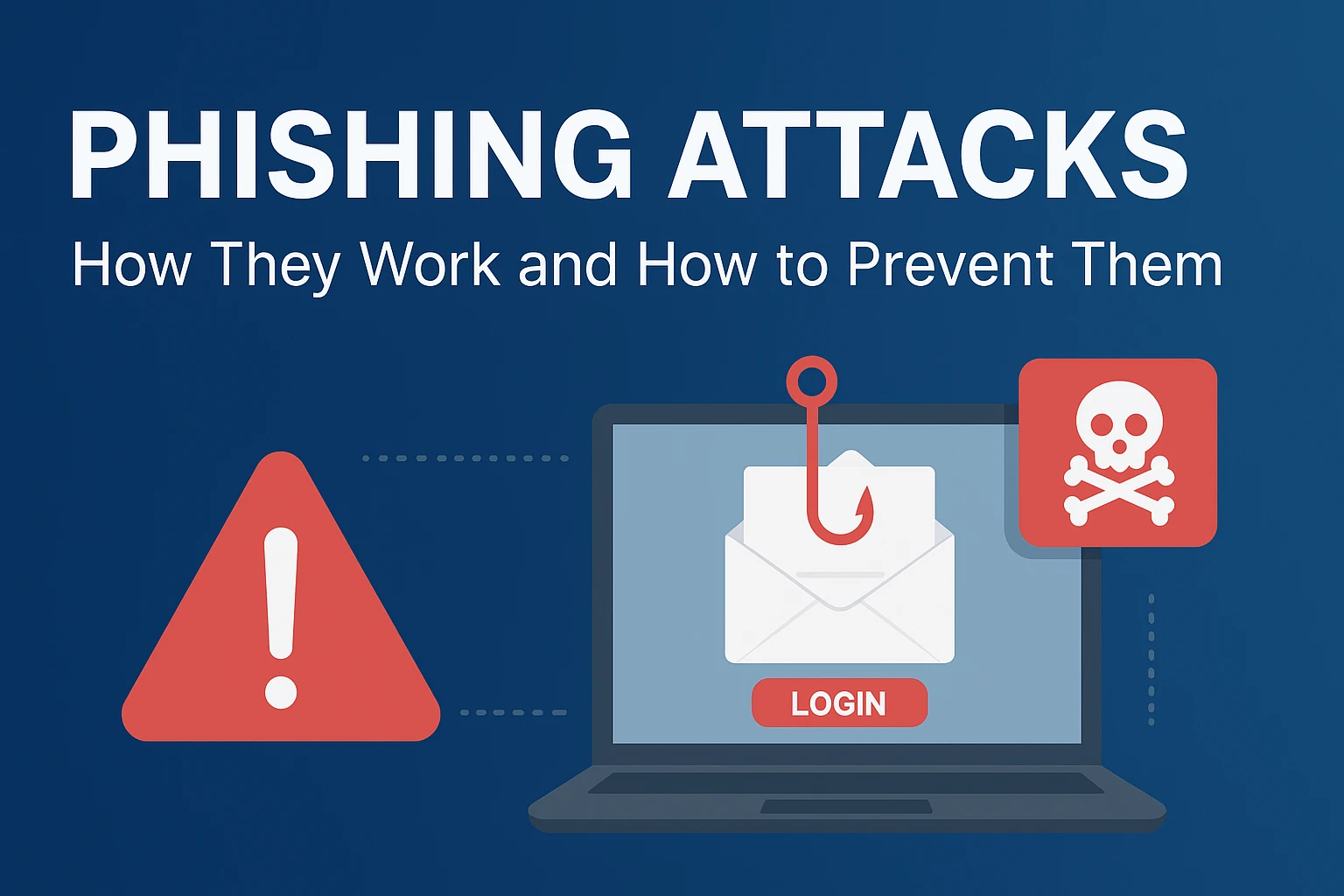
Phishing is a social-engineering attack where criminals trick people into revealing passwords, OTPs, card numbers, or installing malware—usually via email, SMS, calls, social media DMs, or QR codes. It’s cheap, fast, and it targets human trust rather than software flaws, so everyone is a target.
What Is Phishing? (In one line)
A message that pretends to be from someone you trust to make you do something harmful (click, pay, share, install).
Common Types of Phishing
- Email phishing: Mass messages with urgent calls to action.
- Spear-phishing: Personalized to a person/team (e.g., HR, finance).
- Whaling: Targets executives or high-privilege users.
- Smishing: SMS with short links and delivery/OTP lures.
- Vishing: Voice calls from fake “support/bank/police”.
- Angler phishing: Social media DMs from fake brand handles.
- Quishing: QR codes that lead to fake login pages.
- BEC (Business Email Compromise): Invoice/payment fraud using look-alike accounts or hijacked mailboxes.
How Phishing Works (Step-by-Step)
- Recon (Research): Attacker scrapes names, roles, vendors, and current events (e.g., “invoice overdue”).
- Pretext & Lure: A believable scenario (security alert, award, urgent payment).
- Delivery: Email/SMS/DM/QR/phone.
- Deception: Look-alike domains, spoofed display names, brand logos, real-looking signatures.
- Hook: Malicious link, attachment, or a request for credentials/payment/OTP.
- Capture/Compromise: User enters creds on a fake site or runs a macro/executable; attacker steals tokens/installs malware.
- Follow-on Actions: Password reuse, mailbox rules for stealth, data theft, financial fraud, lateral movement.
Red Flags to Spot (Quick Checklist)
- Urgent tone: “Action required in 15 minutes”
- Requests for OTP/UPI PIN/password (banks and government never ask)
- Sender name looks right but the email domain is off (e.g.,
@paypa1.com) - Mismatched URLs when you hover (desktop) or long link shorteners
- Unexpected attachments (especially
.html,.iso,.exe,.zip,.docm) - Slight spelling/grammar/brand style inconsistencies
- “Reply-to” or phone number different from the brand’s official contacts
Copy-Paste Example (Suspicious Email)
From: Microsoft Security <security@micr0soft-secure.com>
Subject: Your account will be disabled in 3 hours
“Please verify your password now.”
Button: Verify Account →https://micr0soft-secure.com/login
Why it’s phishy: urgent threat, look-alike domain, request for password.
Prevention: A Step-by-Step Guide
A) For Individuals
- Turn on MFA everywhere. Prefer authenticator apps or security keys over SMS.
- Use a password manager. It auto-fills only on real domains; a great phish detector.
- Hover before you click. On mobile, long-press to preview links.
- Type, don’t tap. For banks/Gmail/UPI, type the URL or use the official app.
- Update devices & apps. Patch browsers, Office, PDF readers.
- Open attachments in the cloud viewer (Google Drive/OneDrive) when unsure.
- Freeze cards & enable transaction alerts.
- If in India: Never share OTP/UPI PIN; RBI and banks do not ask for them. Use official bank apps only.
If You Clicked by Mistake (Rapid Response)
- Disconnect from the internet, change passwords, revoke sessions, enable MFA.
- Contact the bank/provider immediately; raise a dispute/chargeback if money moved.
- Run a full AV scan; consider re-installing if malware executed.
- Report the scam (CERT-In, bank helplines, or local cybercrime portal).
B) For Organizations (Practical Rollout)
Week 1–2: Foundations
- MFA for all cloud apps (email, VPN, admin consoles).
- Email authentication: Configure SPF, DKIM, DMARC (reject); add MTA-STS and optionally BIMI.
- Disable legacy protocols (IMAP/POP/SMTP basic auth).
- Security awareness baseline: 10-minute micro-training + baseline phishing test.
Week 3–4: Hardening
5. Secure email gateway with URL rewriting & attachment sandboxing.
6. Block high-risk file types at the gateway (.exe, .iso, .scr, .js, .vbs, .docm).
7. Browser isolation or tenant-allow/block lists for OAuth app consent.
8. Least privilege & conditional access (block risky countries/TOR for admin).
9. Auto-label external emails with a clear banner.
Ongoing
10. Simulated phishing campaigns monthly + targeted coaching.
11. Mailbox rule auditing (criminals hide replies/forward mail).
12. Vendor fraud controls: Verified payee process, call-back on known numbers, and PO thresholds.
13. Incident playbooks: One-pager for SOC/helpdesk: revoke tokens, reset creds, search IOCs, notify stakeholders.
14. Logging: Keep audit/email logs for 90–180 days; integrate with SIEM.
Advanced Protections (High-Value Targets)
- Security keys (FIDO2/WebAuthn) for admins and finance teams.
- DKIM alignment and strict DMARC for all domains (including parked ones).
- Outbound DLP for sensitive data in email/Drive.
- Browser password-alert policies and token theft defenses (Cloudflare MTLS, device binding).
- Zero-trust access with device posture checks.
What To Teach Every Employee (10-second Rule)
Before you click or pay, ask:
- Is the request expected?
- Is the sender/channel official?
- Does the link/domain exactly match?
- Is there urgency or secrecy?
When in doubt—verify on a known number/app.
FAQ (Quick Answers)
Q: Is SMS-based OTP safe?
A: Better than nothing, but less secure than an authenticator app or security key.
Q: Should we report every phish?
A: Yes. Reporting builds blocklists and helps protect coworkers.
Q: Can antivirus alone stop phishing?
A: No. Phishing exploits people. Combine MFA, training, email controls, and process checks.
Conclusion
Phishing thrives on urgency and impersonation. With MFA, domain hygiene (SPF/DKIM/DMARC), smart processes for payments and password resets, and ongoing training, you can reduce risk dramatically—and recover quickly if something slips through.