Your password is like the lock on your house — if it’s weak, intruders can walk right in. Yet, many people still make avoidable mistakes. Let’s look at the 10 most common password mistakes with real-world examples and how to fix them.
1️⃣ 🔓 Using Simple or Predictable Passwords
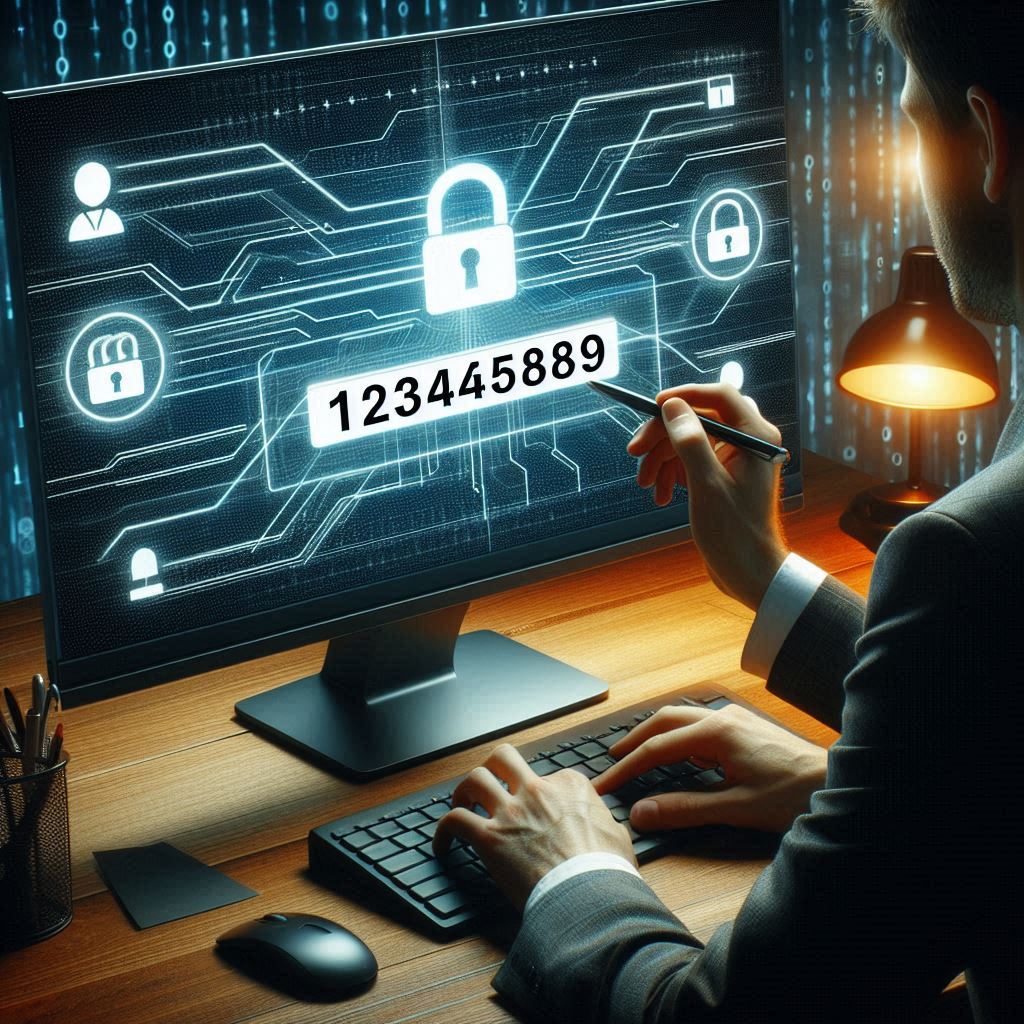
Mistake: Choosing something like 123456, password, or abcd1234.
Example: A 2024 study found “123456” was still the most used password worldwide.
💡 Fix: Create something like B!keR1de@2025 instead of bikeride.
2️⃣ 📅 Using Personal Information
Mistake: Using your name, birth date, or pet’s name.
Example: If your Instagram bio says “Dog mom to Bruno” and your password is Bruno2010, hackers can guess it easily.
💡 Fix: Go for unrelated words, e.g., LimeCloud#78 instead of Bruno2010.
3️⃣ 📏 Short Passwords
Mistake: Anything under 8–10 characters.
Example: happy123 is only 8 characters and can be cracked in seconds.
💡 Fix: Use at least 12–16 characters: Sm!leAtTh3Sun@Day.
4️⃣ ♻️ Reusing the Same Password Everywhere
Mistake: One password for all accounts.
Example: If your Gmail password Orange@77 is leaked, hackers can try it on your Facebook, Netflix, and bank accounts.
💡 Fix: Use different passwords, e.g., Orange@77 for email, but OceanSky!45 for social media.
5️⃣ 📖 Sticking to Dictionary Words
Mistake: Using plain words like sunshine or football.
Example: Dictionary attacks can crack football instantly.
💡 Fix: Mix them up: Fo0tB@ll!n2025.
6️⃣ 🔑 Ignoring Two-Factor Authentication (2FA)
Mistake: Relying only on a password.
Example: If your Twitter password leaks, without 2FA, hackers can log in directly.
💡 Fix: Enable 2FA so even if your password leaks, they need a code sent to your phone or email.
7️⃣ 🕰 Rarely Changing Passwords
Mistake: Keeping the same password for years.
Example: If your old password from a 2018 breach is still active, hackers can still use it.
💡 Fix: Update passwords every 6–12 months: OldOne2024! ➡ NewLife@2025.
8️⃣ 🗒 Storing Passwords in Plain Text
Mistake: Writing them on sticky notes or in “passwords.txt”.
Example: Anyone who uses your PC can open that file and steal all your passwords.
💡 Fix: you may store in password protected sheet.
9️⃣ 🖥 Typing Passwords on Public Devices
Mistake: Logging into your bank account at a cyber café.
Example: Public computers may have keyloggers that record everything you type.
💡 Fix: Only log in from your own device or use a virtual keyboard on public systems.
🔟 🤯 Overcomplicating Without Remembering
Mistake: Creating something like @9$2&8L#9qW3o and forgetting it in two days.
Example: You get locked out of your account because you didn’t save it anywhere.
💡 Fix: Use a memorable passphrase like PurpleTiger!DrinksTea2025.
🛡 Final Thoughts
Strong passwords don’t have to be impossible to remember. Avoid these mistakes, use a password manager, and enable 2FA. Your online safety starts with smart habits.